


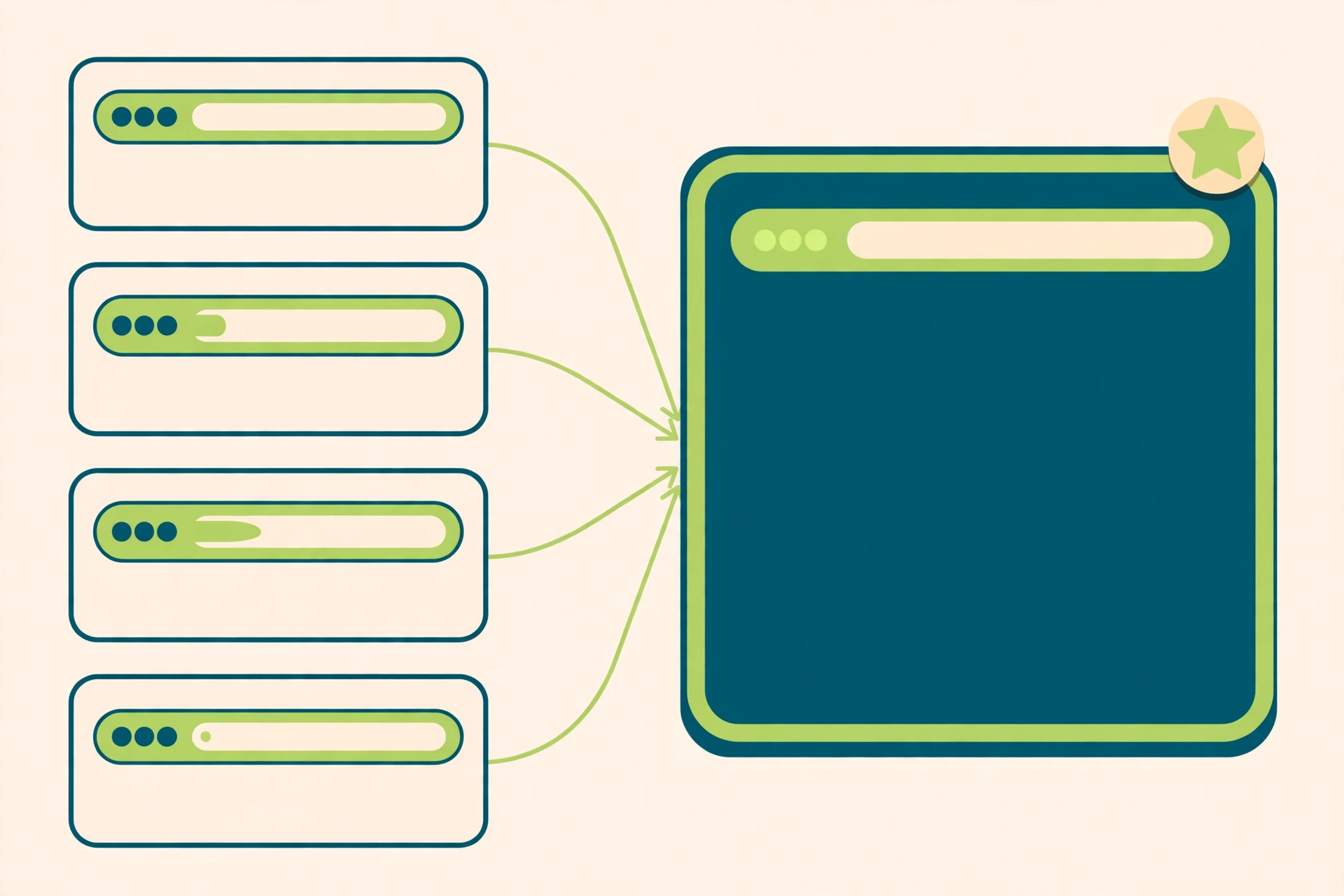
One page on your site can live at half a dozen addresses — HTTP, HTTPS, www, no www, tracking parameters on the end. To a visitor they are all the same page; to Google they are separate URLs. A canonical tag tells Google which one is real.
It is a small piece of HTML with an outsized reputation — some guides treat it as a magic fix for duplicate content, others dismiss it as a suggestion Google ignores. The truth is in the middle: a canonical tag is a strong signal, but it is a hint, not a rule.
Key Takeaways
- A canonical tag (
rel="canonical") tells Google which URL you prefer among duplicate or very similar pages — a strong signal, not a command. - Google groups near-identical pages into a cluster, then picks the most complete and useful as canonical.
- Use a canonical tag when duplicate URLs must stay live (filters, parameters, print pages); use a 301 redirect when one should stop existing.
- A canonical tag never removes a page from search — that is what
noindexdoes, and Google advises against usingnoindexfor canonical selection. - Use absolute URLs, add a self-referencing canonical to every indexable page, and keep redirects, sitemaps and internal links aligned on the same URL.
- Check your work in Search Console’s URL Inspection tool, and allow up to two weeks for re-evaluation.
What Is a Canonical Tag?
A canonical tag is a <link rel="canonical"> element in a page’s <head> that names the URL you want Google to treat as the main version of that content. When several URLs serve the same or very similar content, the tag tells Google which one to show in search results and where to consolidate ranking signals such as links.
Google defines canonicalization as selecting the representative URL of a piece of content — the page it chose as most representative from a set of duplicates. Your tag expresses a preference in that process; it does not decide it. Google’s documentation is blunt: “indicating a canonical preference is a hint, not a rule,” and Google may choose a different page as canonical “for various reasons.”
For example (invented):
<link rel="canonical" href="https://www.example.com/dresses/green-dresses" />That one line, placed on every duplicate version of the page, says: of all the addresses this content lives at, this is the one that matters. Google also recommends the same tag on the canonical page itself — a self-referencing canonical — so the preferred page states its own status.
How Does Google Choose a Canonical URL?
Google chooses a canonical URL by working out what each page is about, grouping pages with the same or very similar main content into a cluster, then picking the page its signals say is objectively the most complete and useful for search users. That page becomes the canonical — Google’s main source for evaluating the content’s quality.
Google weighs whether the page is served over HTTPS, redirects, presence of the URL in a sitemap, and rel="canonical" annotations. Its documentation ranks the methods by strength: redirects are a strong signal, rel="canonical" annotations are a strong signal, and sitemap inclusion is a weak one. The methods stack — combining two or more increases the chance your preferred URL appears in search results.
The canonical page is also crawled most regularly, while duplicates are crawled less often — so the URL Google picks stays freshest. And a search result usually points to the canonical page, unless a duplicate suits the searcher better: someone on a phone will probably see the mobile version even if the desktop page is canonical.
Why Do Duplicate URLs Happen in the First Place?
Duplicate URLs happen because the same content can be reached through many different addresses, most of them created by ordinary features of a website rather than by mistakes. Google lists five common causes: regional variants, device variants, protocol variants, site functions, and accidental variants.
Regional variants are separate URLs for the same content in different places — a US page and a UK page in the same language. Device variants are the mobile and desktop versions of a page. Protocol variants are the HTTP and HTTPS versions of the same address. Site functions create duplicates constantly: sorting and filtering can generate a new URL for every combination. Accidental variants are the embarrassing ones — a staging copy left accessible to crawlers.
None of this is unusual: Google says some duplicate content is normal and not a violation of its spam policies. The problem is not that duplicates exist, but that without a canonical preference Google has to guess which version to show — and its guess may not match yours.
When Should You Use a Canonical Tag?
Use a canonical tag when two or more URLs must stay live, but only one should be treated as the main version for search — parameter URLs, sort and filter pages, print-friendly versions, and regional variants serving essentially the same content.
Take an online shop (invented example): the same product page might exist at /shoes/running and at /shoes/running?colour=blue&sort=price. The filtered version is useful to shoppers, so keep it — but do not let Google index both and split the page’s signals. A canonical tag on the filtered URL pointing at the clean product URL solves it.
Google’s own example makes the same point: you might prefer people to reach your green dress page through https://www.example.com/dresses/green/green-dress.html rather than through https://example.com/dresses/cocktail?gclid=ABCD, a tracking-parameter version — and links pointing at the parameter version count toward the clean URL once it becomes canonical.
Canonical Tag vs 301 Redirect vs Noindex — Which One?
A canonical tag, a 301 redirect and noindex solve three different problems, and mixing them up is a common technical SEO mistake. The choice depends on one question: should the duplicate URL keep existing?
Use a 301 redirect when the duplicate should stop existing. Google’s guidance is explicit: use redirects “when you want to get rid of existing duplicate pages.” All permanent redirection methods have the same effect on search; server-side redirects take effect fastest. HTTP to HTTPS, www to non-www, one trailing-slash style to another — these are redirect jobs, not canonical jobs.
Use a canonical tag when the duplicate URL needs to stay accessible — filtered views, parameter variants, print pages — but should not be the version Google shows. The tag consolidates signals without removing anything.
Use noindex when a page should not appear in search at all. That is all it does, and it is the wrong tool for canonical selection: Google advises against using noindex to prevent selection of a canonical page within a single site, because it blocks the page from search entirely. A page that is noindex cannot be canonical, so pointing a canonical tag at one is a contradiction Google will resolve by ignoring you. The same applies to robots.txt: Google warns against using it for canonicalization, since a disallowed page can still be indexed — and Googlebot cannot read a canonical tag on a page it cannot read.
How Do You Add a Canonical Tag Correctly?
Place a <link rel="canonical"> element in the <head> of every duplicate page, pointing at the preferred URL with an absolute path — the canonical page itself gets one too. Here is the pattern, from Google’s own documentation:
<html>
<head>
  <title>Explore the world of dresses</title>
  <link rel="canonical" href="https://www.example.com/dresses/green-dresses" />
</head>
Five rules, all from Google’s guidance. Use absolute URLs, not relative ones. Put it in the <head> — a canonical element is only accepted there. Choose one method: an HTML element or an HTTP Link header, not both. Use the HTTP header for non-HTML files — the link element only works for HTML pages. Do not rely on JavaScript: put the canonical in the HTML source and make sure JavaScript does not change it; if you cannot, set it only with JavaScript.
On WordPress, Yoast SEO and Rank Math generate self-referencing canonicals automatically. Your job is to check the exceptions: the filtered archive, the parameter URL, the page your plugin got wrong.
Can a Canonical Tag Point to Another Website?
A canonical tag can point to a URL on another domain — Google’s mechanism does not restrict it to your own site — but in practice cross-domain canonicals are unreliable, and for the most common use case, syndication, Google’s troubleshooting guidance recommends a different approach entirely.
The usual case is syndication: another site republishes your article, and you want the search credit to stay with your original. Google’s troubleshooting documentation says the canonical link element is “not recommended” for this, because syndicated pages are often very different from the original, and a canonical only works well when the pages are genuinely near-duplicates. Its advice is blunter: the most effective solution is for partners to block indexing of your content.
There is a darker side, and Google documents it too: misconfigured servers can return one site’s content for another domain’s URL, and hacked sites can have cross-domain canonical tags injected, pointing at spammy URLs. An unexpected cross-domain canonical in your own HTML is a possible compromise, not a configuration choice. Keep canonicals within your own domain, and never rely on a canonical tag to protect licensed content.
What Are the Most Common Canonical Tag Mistakes?
Most canonical tag mistakes are ordinary inconsistencies that send Google mixed signals, and mixed signals are the main reason Google overrides a declared canonical. The fix is almost always the same: make every signal name one URL.
- Relative URLs instead of absolute ones.
- Different canonicals from different methods — one URL in the sitemap, another in the
rel="canonical"element. - Canonicals pointing at fragments (
#section), which Google does not support. - Canonicals pointing at redirected or
noindexpages — fix the target first. - Canonicals set by JavaScript only, or changed by JavaScript — Google may never see them, or may read them ambiguously.
- Internal links pointing at the duplicate instead of the canonical URL — every link to a parameter version is a vote against your own canonical.
Two more traps: using robots.txt or the URL removal tool as a canonical substitute — the first can hide the tag from Googlebot, the second hides every version — and forgetting the self-referencing canonical on the preferred page. The principle Google repeats: the methods stack when they agree, and cancel each other out when they do not. Redirects, canonical tags, sitemaps and internal links should all name the same URL.
How Do You Check Whether Your Canonicals Are Working?
Check in Search Console with the URL Inspection tool — it shows both the canonical you declared and the one Google selected. Google’s troubleshooting guidance makes this step one: check which page Google considers canonical, and compare it with your own preference.
The Page indexing report gives the site-wide view. Under “Why pages aren’t indexed” you will see three canonical statuses: “Duplicate without user-selected canonical” (you declared nothing, so Google picked one); “Duplicate, Google chose different canonical than user” (you declared one and Google overruled it); and “Alternate page with proper canonical tag” (the tag is working).
When Google has overruled you, do not start by editing the tag. Google’s troubleshooting steps are: inspect the URL, look for technical misconfigurations, and — most importantly — make sure the clustered pages are sufficiently different. A canonical tag cannot make two genuinely different pages into duplicates, or two near-identical pages into different ones; if Google thinks your page is a duplicate, the fix is usually to make the content clearly different, not to restate the tag louder. Allow time: Google says it might hold pages in a duplicate cluster for up to two weeks after you fix the issue. Once the fix is live, use “Request Indexing” to ask Google to re-evaluate — it is subject to quotas, so reserve it for your most important URLs.
Does Duplicate Content Hurt Your Rankings?
Duplicate content carries no penalty: Google says some duplicate content is normal and not a violation of its spam policies. Nobody’s site has been punished simply for having the same content at two addresses.
What it costs you is subtler — and it is the reason canonical tags exist at all. When the same content lives at several URLs, ranking signals — links, in particular — split across them instead of consolidating on one. Google has to choose which version to show, and it may choose the parameter URL, the HTTP version, or the staging copy you forgot to block. Visitors get confused about which page is real, analytics split one page’s performance across several rows, and Googlebot wastes crawl budget re-reading duplicates. That is the honest framing: canonical tags are not a penalty-avoidance tool. They make sure the version of your content that earns the links, the clicks and the measurement is the version you chose.
Frequently Asked Questions
Do I need a canonical tag on every page?
Not strictly — Google will pick one for you. But a self-referencing canonical on every indexable page is cheap insurance: it states your preference explicitly, so the choice is yours.
Will a canonical tag pass ranking signals to the preferred URL?
Yes — Google says canonical tags consolidate signals, such as links, into a single preferred URL. A 301 redirect is stronger, because the old URL stops existing.
Why did Google choose a different canonical than the one I declared?
Because a canonical tag is a hint, not a rule. Google weighs it against redirects, sitemaps, HTTPS, internal links and the content itself. The usual cause is mixed signals — or pages too different to be duplicates of your chosen URL.
Can I use a canonical tag instead of a redirect after a site migration?
Only if the old URLs must stay live. For a migration, redirect instead — our redirect strategy guide covers the job. A canonical tag is the right tool when both URLs need to keep working.
How long does it take Google to respect a canonical change?
There is no fixed timeline. Google says it might hold pages in a duplicate cluster for up to two weeks after you fix the issue. Re-check in Search Console rather than assuming it has taken effect.
The Bottom Line
A canonical tag is a small, precise instrument: one line of HTML naming the URL you want Google to treat as the main version of a piece of content. Used consistently — absolute URLs, self-referencing on every page, the same URL in redirects, sitemap and internal links — it consolidates your signals onto the page you chose. Used inconsistently, it is one more voice in a disagreement Google will settle without you. Set it once, check it in Search Console, and let your chosen version earn the traffic.
