


Internal Linking for AI Search
Internal linking is the least glamorous part of SEO, and one of the most consequential — and AI search has made it more important. When Google’s AI features answer a question, they retrieve pages from the index, read them, and link the ones that support the answer. A page Google cannot find, reach or place in context will never be retrieved — and links are how Google finds, understands and relates them.
Google says it plainly: “Google uses links as a signal when determining the relevancy of pages and to find new pages to crawl.” Its AI features guide adds that making content “easily findable through internal links” is an SEO fundamental for AI Overviews and AI Mode. And fan-out — breaking one question into many related searches — means a page can be found through a sub-question it answers, if Google can reach it and understand its place in your site.
Key Takeaways
- Google uses links to find new pages to crawl and as a signal of what pages are about — internal links are how it discovers and understands your site.
- A link only counts if Google can crawl it: a real
<a>element with anhrefattribute resolving to an actual address. - Good anchor text is descriptive, reasonably concise, and relevant to both pages — Google’s words, not ours.
- Every page you care about should have a link from at least one other page; a page nothing links to is effectively invisible.
- For AI search, internal links do double duty: they get pages found, and they place each page in a topical context the AI uses when deciding what to cite.
What is internal linking, and why does it matter more in AI search?
Internal linking means linking from one page on your site to another, in context, with text explaining where the link goes. It differs from navigation menus, which link everywhere at once, and from external links, which point to other sites. Each contextual link is an editorial decision: this page helps the reader understand that page.
It matters for three reasons. First, discovery: Google finds new and updated pages largely by following links from pages it has already crawled. Second, relevance: anchor text and the words around a link tell Google what the linked page is about. Third, structure: the pattern of links tells Google which pages are central and how topics relate.
AI search raises the stakes on all three. Google’s AI features guide explains that AI Overviews and AI Mode may use “query fan-out” — multiple related searches across subtopics — and that its models identify more supporting pages during response generation, displaying “a wider and more diverse set of helpful links” than a classic search. A page answering one precise sub-question can therefore be cited without ranking for the main query — if indexed, reachable, and topically connected. Internal linking builds those connections.
How does Google actually discover and follow internal links?
Google can only follow a link it can parse, and its rule is narrower than most assume. Its link best practices page states: “Generally, Google can only crawl your link if it’s an <a> HTML element with an href attribute.” Most links in other formats won’t be parsed.
In practice, check how your links are built. A standard content link — <a href="/guides/keyword-research/"> — is fine in any standard form, and JavaScript-inserted links are crawlable too, as long as the markup uses a proper anchor with an href. Not recommended are a <span> with an href, an anchor with only an onclick handler, and javascript: URLs — Google may attempt to parse these, but do not rely on it. On a JavaScript framework, check the rendered HTML with Search Console’s URL Inspection tool, as Google recommends.
The URL matters too: Google advises making sure the href “resolves into an actual web address that Google crawlers can send requests to.” A link to a page that redirects three times, returns an error, or sits behind a login is a dead end. Keep internal links on live, canonical, indexable URLs — and when you change a URL, update the links to it instead of leaning on redirects forever.
What makes good anchor text for AI search?
Anchor text is the visible, clickable text of a link, and Google’s definition is short enough to memorise: “Good anchor text is descriptive, reasonably concise, and relevant to the page that it’s on and to the page it links to.” The rest of its guidance is commentary on that sentence.
Descriptive means the reader — and Google — can tell where the link goes without reading the surrounding paragraph. Google’s bad examples are “click here,” “read more,” “website” and “article”: words describing the act of clicking, not the destination. Its test: read the anchor text on its own — if it makes no sense by itself, make it more specific.
Reasonably concise means not linking a whole sentence — Google shows a multi-line anchor as “weirdly long.” Link the shortest phrase describing the destination, usually two to six words. Relevant to both pages means the anchor fits its sentence: Google warns against cramming keywords into anchors, noting keyword stuffing violates its spam policies.
For AI search, the words around the link matter too. Google says to “give context to your links: the words before and after links matter,” and warns against chaining links together, which loses the surrounding text for each one — the text an AI reads when deciding whether a page supports an answer.
How should you structure internal links across a site?
Structure is where internal linking stops being a page-level habit and becomes site architecture. The goal is a site where every important page is a short walk from the homepage, every topic has a clear hub, and every link has an editorial reason to exist.
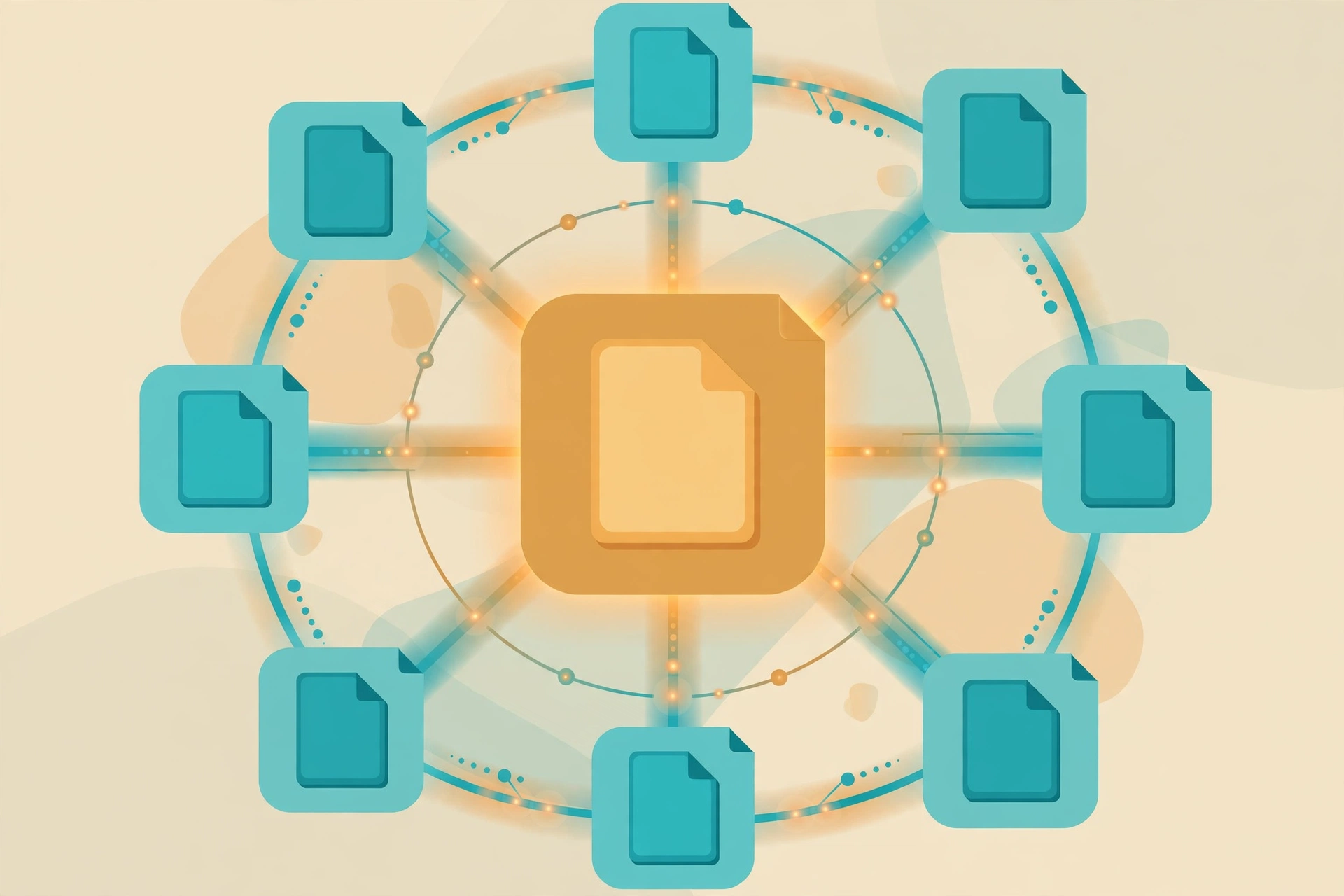
Start with hubs: a comprehensive page on a topic — a guide, a checklist, a pillar page — linking out to the detailed pages beneath it, which link back. That two-way pattern tells Google the hub is the centre of the topic, and gives readers a natural next step either way. Build hubs around topics your site genuinely covers in depth, not keywords you wish it covered.
Then mind the depth. Pages buried many clicks from the homepage get crawled less often and carry less weight. Keep your most important pages within two or three clicks of the homepage; five clicks deep is barely findable at all.
Finally, link for the reader, not for a quota. Google prescribes no fixed number of links per page: a 2,500-word guide naturally links to more pages than a 400-word news post. What matters is that each link earns its place, pointing to a page that genuinely helps the reader, in a sentence explaining why.
How do internal links help pages get cited in AI Overviews and AI Mode?
Internal links help AI citations twice: they get pages indexed and give the AI context to trust them. Google states that to be shown as a supporting link in AI Overviews or AI Mode, a page “must be indexed and eligible to be shown in Google Search with a snippet.” Indexing is the gate, and links are the path.
The second way is topical. In a query fan-out, Google breaks a question into subtopics and retrieves pages for each one. A page inside a well-linked topic cluster — a guide linked from a hub, linked to related pages on citations, snippets and E-E-A-T — carries far more topical context than the same page floating alone. Anchor text, neighbouring headings and the hub all feed the same understanding: this page belongs to a coherent body of work. That is the kind of source an AI answer wants to cite, and what E-E-A-T looks like in practice — expertise shown through coverage, not claimed in a bio.
There is a measurement angle too. Google’s AI features guide notes that clicks from results pages with AI Overviews are “higher quality (meaning, users are more likely to spend more time on the site).” A cited page that links well keeps that high-quality visitor reading — the point of being cited. A citation to a dead-end page wastes the hardest click in search.
What are orphan pages, and how do you find and fix them?
An orphan page is a page on your site that no other page links to. It may be indexed, it may even rank, but Google’s guidance states the rule plainly: “Every page you care about should have a link from at least one other page on your site.” An orphan fails that test by definition.
Orphans accumulate quietly, and they are the most common internal linking defect on real sites: a post published in a rush and never linked from a hub, a campaign page forgotten when it ended, a template-added page that never links back, a migration that left old links at redirects. None is dramatic alone; together they can disconnect a meaningful share of a site’s content.
Finding them is straightforward: in Search Console, the Links report shows which pages receive the most internal links — and, by omission, which receive none. Any standard SEO crawler lists zero-inlink pages directly; cross-reference with your sitemap. Prioritise the ones that matter — pages you want to rank, pages supporting a hub, pages answering a real question — and fix them with a contextual link from the most relevant page. If a page is worth linking to from nowhere, ask whether it is worth keeping; deleting or consolidating it is a legitimate fix.
How do you audit and maintain internal links without breaking things?
Internal linking is not a one-off project. It decays: pages are added, URLs change, content is updated and the links do not keep up. A light, regular routine beats an annual overhaul — and a quarterly crawl catches most problems before they cost you visibility.
Once a quarter, crawl and check four things: orphan pages you care about; broken links to errors or redirect chains; generic anchors such as “click here,” and anchors that no longer match a rewritten destination; and hub health — whether each hub still links to its supporting pages and new pages are linked in.
When you publish, make linking part of the checklist: link out to the two or three most relevant existing pages, and link in from the hub and one or two existing posts. That two-way habit takes five minutes and prevents orphans forming.
One more rule: never nofollow your own internal links. Google says to use nofollow only when you do not trust the source; your own pages are not in that category, and nofollowing them stops the signal flowing rather than concentrating it.
Internal Linking Audit Checklist
- Every page you care about has at least one incoming internal link.
- All internal links are real
<a>elements withhrefattributes resolving to live, canonical URLs. - No internal links point to error pages, redirect chains, or noindexed pages.
- Anchor text is descriptive, concise, and relevant to both pages — no “click here” or “read more.”
- Links sit in sentences explaining why the destination helps, not chained together without context.
- Each topic has a hub linking to its detailed pages, which link back.
- Key pages are within two or three clicks of the homepage.
- Orphans found in the crawl have been linked in, consolidated, or removed.
- New pages get links out to relevant pages and in from the hub on publication day.
- Image links carry descriptive alt text, which Google uses as anchor text.
- No
nofollow,sponsoredorugcon your own internal links. - Anchor text still matches the destination after the target is rewritten.
Frequently Asked Questions
How many internal links should a page have?
Google prescribes no fixed number, and there is no quota to hit. A long guide naturally carries more links than a short news post. What matters is that each link points to a page that genuinely helps the reader, in a sentence explaining why. Adding links to hit a number means adding the wrong links.
Should I link to a page from every other page on the site?
No. Linking everything to everything destroys the structure that makes internal links useful: it says nothing about which pages are central or how topics relate. Link to the pages that help a page’s readers, and let hubs carry the broad connections. Selective linking is a signal; indiscriminate linking is noise.
Do internal links pass PageRank?
Yes — internal links are one way ranking signals flow between pages, and Google describes links as a relevancy signal. That is why structure matters: links from well-linked, relevant pages carry more weight than links from isolated ones. But discovery and topical context matter at least as much, especially for AI search.
Can internal linking fix a page that does not rank?
It can help, but it cannot work miracles. If a page is not indexed, adding internal links is often the fix — Google finds pages through links, and an orphan may simply never have been discovered. If a page is indexed but not ranking, links from relevant, authoritative pages can improve how Google understands it. But thin, outdated or mismatched content cannot be saved by linking; fix the page first, then link to it.
Does anchor text still matter now that AI reads the whole page?
Yes. AI systems read the whole page, but anchor text remains the most concentrated statement of what a linked page is about, and Google’s guidance has not changed. The words around a link matter too; together they form the context an AI uses to decide whether a page supports an answer. Generic anchors waste that context; descriptive ones build it.
The Bottom Line
Internal linking for AI search is not a new technique. It is the discipline Google has documented for years — crawlable links, descriptive anchors, every important page linked, hubs that organise topics — applied to search where being found, understood and trusted matters more than ever. AI answers are assembled from pages Google can reach and place in context; your links build that reach and context.
Start with the audit: find the orphans, fix the broken links, rewrite the generic anchors. Then make two-way linking part of publishing, so every new page arrives connected, not stranded. Unglamorous work — and what makes everything else discoverable.
For the page-level habits that pair with this guide, read our AEO checklist and our guide to how to get cited in Google AI Mode. If crawlability is the problem, our technical SEO checklist for 2026 covers indexing and structure step by step.
Sources
- Google Search Central, “SEO Link Best Practices for Google” — https://support.google.com/webmasters/answer/9112205
- Google Search Central, “AI Features and Your Website” — https://developers.google.com/search/docs/appearance/ai-features
- Google, “AI in Search: Going beyond information to intelligence” (AI Mode and query fan-out, 20 May 2025) — https://blog.google/products/search/google-search-ai-mode-update/
