


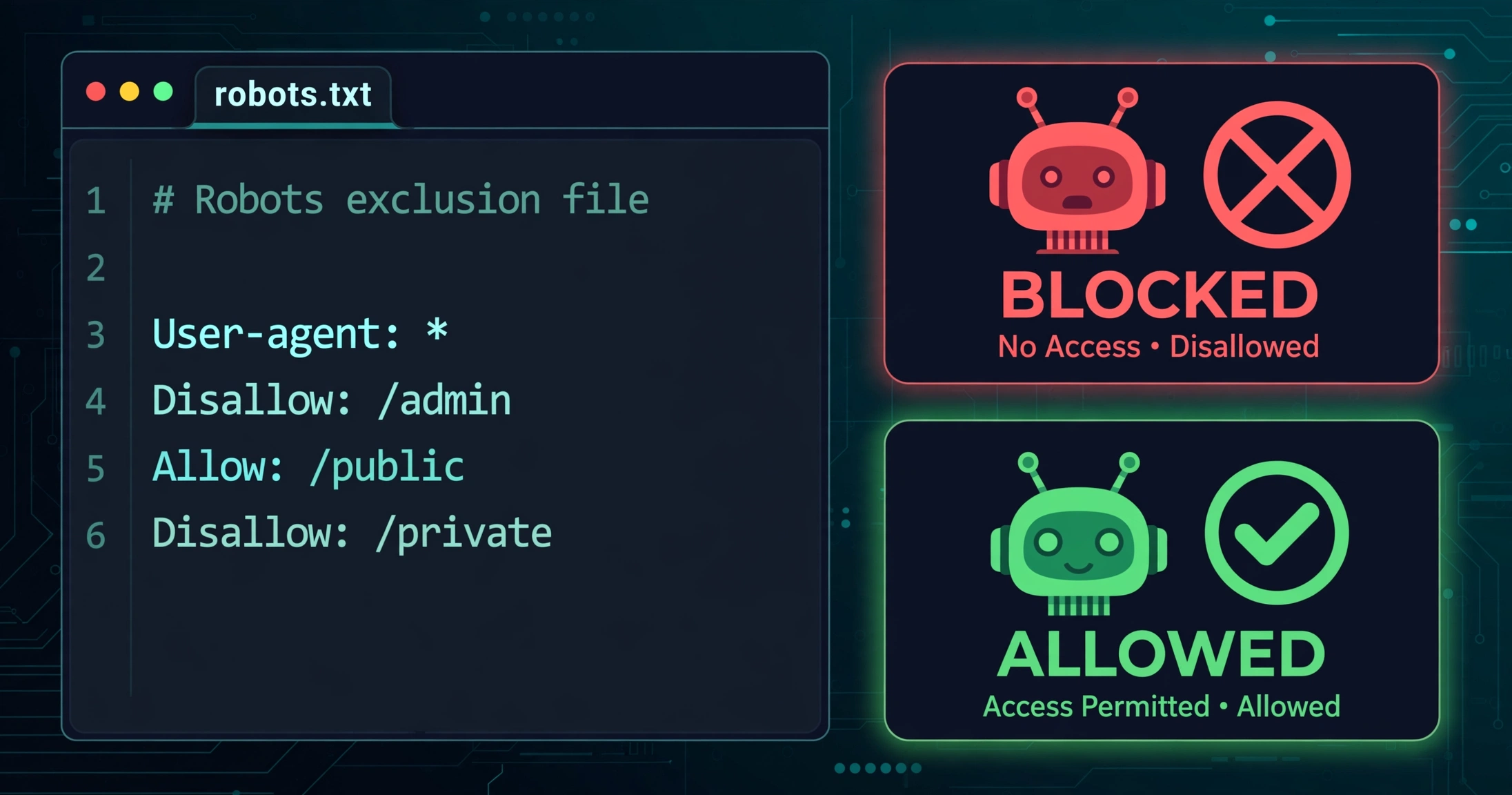
AI crawlers are visiting your website right now. The question is no longer whether to deal with them — it is which ones to welcome and which ones to turn away.
Most site owners treat this as one decision: block the bots or allow the bots. That framing costs people visibility every week. There are two completely different kinds of AI crawlers hitting your pages, and they do opposite things for your business. Block the wrong one and you disappear from AI answers. Allow the wrong one and your content trains someone else’s model for free.
This guide shows you how to tell them apart and gives you copy-paste robots.txt configurations for every stance — including the one most visibility-focused sites should use.
Key Takeaways
- AI crawlers fall into two classes: training crawlers (
GPTBot,ClaudeBot,CCBot,Bytespider) that feed future models with no attribution, and citation crawlers (OAI-SearchBot,PerplexityBot,Claude-SearchBot) that fetch pages in real time and drive cited referral traffic. - The winning setup for most sites: block training, allow citations. You keep your content out of training datasets while staying eligible for AI search answers.
Google-ExtendedandApplebot-Extendedare not crawlers at all — they are control tokens. Blocking them opts you out of AI training without touching your Google rankings or AI Overviews eligibility.- robots.txt is a request, not a wall. Changes take roughly 24 hours to take effect, and a few bots have a documented history of ignoring the rules.
- Match on the product token (
GPTBot), never the full versioned string (GPTBot/1.4) — version numbers change and your rule silently stops matching.
What Are the Two Kinds of AI Crawlers?
Every AI bot visiting your site is doing one of two jobs.
Training crawlers collect your pages to build future versions of AI models. Your content goes into the training mix, the model gets smarter, and you get nothing back — no link, no citation, no traffic. The main ones:
| Token | Owner | Job |
|---|---|---|
GPTBot |
OpenAI | Crawls pages that may train foundation models |
ClaudeBot |
Anthropic | Crawls pages for Claude model training |
CCBot |
Common Crawl | Builds the open crawl corpus many AI datasets are built from |
Bytespider |
ByteDance | Collects training data for ByteDance models |
Meta-ExternalAgent |
Meta | Gathers content for Meta’s AI training |
Amazonbot |
Amazon | Crawls for Amazon’s AI training uses |
Citation crawlers fetch your pages in real time to answer someone’s question right now — and they cite you. These drive the AI referral traffic that is starting to show up in analytics:
| Token | Owner | Job |
|---|---|---|
OAI-SearchBot |
OpenAI | Indexes pages for ChatGPT’s search feature |
ChatGPT-User |
OpenAI | Fetches a specific page when a ChatGPT user asks for it |
Claude-SearchBot |
Anthropic | Indexes content for Claude’s search results |
Claude-User |
Anthropic | Retrieves pages when a Claude user asks about them |
PerplexityBot |
Perplexity | Indexes pages for Perplexity’s answer engine |
Perplexity-User |
Perplexity | Fetches pages on behalf of a Perplexity user |
OpenAI’s own documentation is unusually blunt about the stakes: sites that opt out of OAI-SearchBot will not appear in ChatGPT search answers. Blocking GPTBot only affects training. The two settings are independent — which is exactly why a single “block all AI bots” rule is so dangerous. It quietly removes you from ChatGPT search while you believe you only opted out of training.
Why Is Google-Extended Different from the Rest?
Two tokens on the training list deserve special attention because they are not crawlers at all.
Google-Extended never visits your site. It is a control signal attached to Google’s existing crawl: when Googlebot fetches your page, the token tells Google’s downstream systems whether that copy may be used to train Gemini models and to ground Gemini answers with live sources. Blocking it changes how your already-crawled content gets used — without removing a single page from Google Search.
Google’s documentation is explicit: the token has no effect on your inclusion in Google Search and is not a ranking signal. It is also the wrong tool if your goal is to opt out of AI Overviews — those follow Googlebot and standard directives, not this token.
Applebot-Extended works the same way for Apple: it opts your content out of Apple Intelligence model training while leaving Siri and Spotlight results untouched.
Because these tokens issue no requests, they will never appear in your server logs. You cannot verify them by watching traffic — only by having the directive in your robots.txt.
Which Stance Should You Take?
There are three coherent positions. Pick the one that matches your business, not someone else’s panic.
Stance 1 — Block training, allow citations (recommended for most sites). You keep your content out of training datasets while staying fully eligible for AI search citations and the referral traffic they bring. This is the right default for blogs, agencies, publishers, and businesses that want AI visibility.
Stance 2 — Block everything. No training, no citations, no AI answers. Choose this if you license your content, run a paywall, or have decided AI visibility is not worth the trade. News organizations pushing for paid licensing deals tend to land here.
Stance 3 — Allow everything. Maximum visibility, maximum training exposure. Choose this if your content is marketing and you want it everywhere — or if you simply have no strong opinion and would rather not think about it. Doing nothing is, by default, this stance: a site with no AI rules is open to all of these bots.
Note what blocking training does not do: it does not remove anything a model has already learned from your past content, and its effect on your traffic is essentially unmeasurable. Be honest with yourself about that before expecting dramatic results.
The Copy-Paste robots.txt Configs
Your robots.txt lives at yoursite.com/robots.txt — the spec is short and worth skimming if you have never edited one. If you run WordPress with Yoast or Rank Math, both include a robots.txt editor in the dashboard so you never have to touch a file over FTP. Keep your existing Googlebot and wildcard rules in their own groups — add the AI rules as separate groups below them.
Stance 1: Block training, allow citations
# AI training crawlers: opt out
User-agent: GPTBot
User-agent: ClaudeBot
User-agent: CCBot
User-agent: Bytespider
User-agent: Google-Extended
User-agent: Applebot-Extended
User-agent: Meta-ExternalAgent
User-agent: Amazonbot
Disallow: /

# AI search and citation crawlers: allow
User-agent: OAI-SearchBot
User-agent: ChatGPT-User
User-agent: Claude-SearchBot
User-agent: Claude-User
User-agent: PerplexityBot
User-agent: Perplexity-User
Allow: /
Stance 2: Block everything
# Block all major AI crawlers (training + search)
User-agent: GPTBot
User-agent: OAI-SearchBot
User-agent: ChatGPT-User
User-agent: ClaudeBot
User-agent: Claude-SearchBot
User-agent: Claude-User
User-agent: PerplexityBot
User-agent: CCBot
User-agent: Bytespider
User-agent: Google-Extended
User-agent: Applebot-Extended
User-agent: Meta-ExternalAgent
User-agent: Amazonbot
Disallow: /
Stance 3: Allow everything
You do not need any AI rules at all — but if you want to be explicit (useful documentation for future-you), add:
# AI crawlers explicitly allowed
User-agent: GPTBot
User-agent: OAI-SearchBot
User-agent: ClaudeBot
User-agent: PerplexityBot
User-agent: Google-Extended
Allow: /
What Are the Gotchas Before You Save?
A few details from the vendors’ own documentation that most guides skip:
Match the token, not the version. Rules should say GPTBot, never GPTBot/1.4. Vendors bump version numbers, and a rule keyed to a version stops matching the day a new one ships.
Changes take about a day. Google caches robots.txt for up to 24 hours, and OpenAI says OAI-SearchBot changes take roughly 24 hours to show up in ChatGPT search. Do not test five minutes after saving and conclude it failed.
robots.txt is a request, not enforcement. Well-behaved crawlers honor it; nothing forces them to. Perplexity has a documented history of robots.txt controversies, and its Perplexity-User agent ignores robots.txt by design since it acts on behalf of a user. If you need actual enforcement, block user-agents at the server level (.htaccess or nginx rules) or use a WAF with AI-bot controls — knowing that user-agent strings can be spoofed, so this is friction, not a guarantee.
Anthropic has two quirks. Add your rules to every subdomain you want covered — www and bare domain are separate as far as robots.txt goes. And do not try to block ClaudeBot by IP address instead: if it cannot reach your server, it cannot read your robots.txt, and the opt-out silently fails.
One rule does not cover the other. Allowing OAI-SearchBot does not allow GPTBot, and vice versa. Each token is independent. Audit your file for accidental overlaps — the most common misconfiguration is a broad rule that blocks search visibility while the owner believes they only blocked training.
How Do I Check Whether It’s Working?
For real crawlers (GPTBot, ClaudeBot, PerplexityBot and friends), watch your server access logs for their user-agent strings over the week after the change. You should see training-bot hits taper off while citation bots continue normally.
For the control tokens (Google-Extended, Applebot-Extended), there is nothing to watch — they make no requests. Their presence in your robots.txt is the entire verification.
And keep perspective: if your goal in blocking training was a traffic change, you will not see one. Training opt-outs are about how your content gets used in future models, not about visits. If your goal was citation visibility, that is measurable — which is exactly what my guide to tracking AI search traffic in GA4 covers.
Final Thoughts
The AI crawler question rewards precision, not panic. Two bot classes, three coherent stances, one file to edit. Most sites that want to be found in AI answers should block the training crawlers and explicitly allow the citation ones — then move on to the work that actually moves the needle: being worth citing in the first place.
People Also Ask
Will blocking GPTBot remove my site from ChatGPT?
No — and this is the most important distinction in this guide. GPTBot feeds model training. ChatGPT’s search answers come from OAI-SearchBot, a separate crawler with a separate robots.txt token. Block GPTBot and you only opt out of training; block OAI-SearchBot and you disappear from ChatGPT search answers.
Does blocking Google-Extended hurt my Google rankings?
No. Google states that Google-Extended is not a ranking signal and does not affect inclusion in Google Search. It only controls whether your content is used for Gemini training and grounding.
Can I block AI crawlers from just one section of my site?
Yes. Scope the Disallow to a path instead of / — for example, Disallow: /members/ under the GPTBot group keeps your members’ area out of training data while the rest of the site stays open.
How long until robots.txt changes take effect?
Roughly 24 hours. Google caches robots.txt for up to a day, and OpenAI gives a similar figure for its search crawler. Plan the change a day before you need it, not an hour.
Do AI crawlers respect robots.txt?
The major ones say they do — OpenAI, Google, and Anthropic all document robots.txt support, and Anthropic notes that even its user-triggered fetcher honors it. But compliance is voluntary, enforcement is limited, and at least one major answer engine has faced credible accusations of ignoring it. Treat robots.txt as your stated preference plus server-level blocking if you need teeth.
